
Founder Note: "Unlike with n8n, you and your clients never have to request a commercial license to run Nyno workflows. This was the main reason I started building Nyno." – MJ
Nyno 6.0: Open-Source Workflow Engines for AI, Advanced Intelligence & Beyond. Extend with Python, PHP, JS and Ruby. Runs in the Browser.
- Try the Online Playground: https://nyno.dev/online-playground
- Stay Up-to-Date: Join our Reddit community at /r/Nyno
🧠 Create New Workflow Steps in languages you love.
🔗 Connect everything with plain YAML text (.nyno).
Nyno is an open-source multi-language workflow engine and language that lets you build, extend, and connect automation in the languages you already know — Python, PHP, JavaScript, and Ruby.
Each programming language runs in its own high-performance worker engine. Command-steps can be called in short human-readable YAML Workflows (.nyno files).
nyno: 6.0
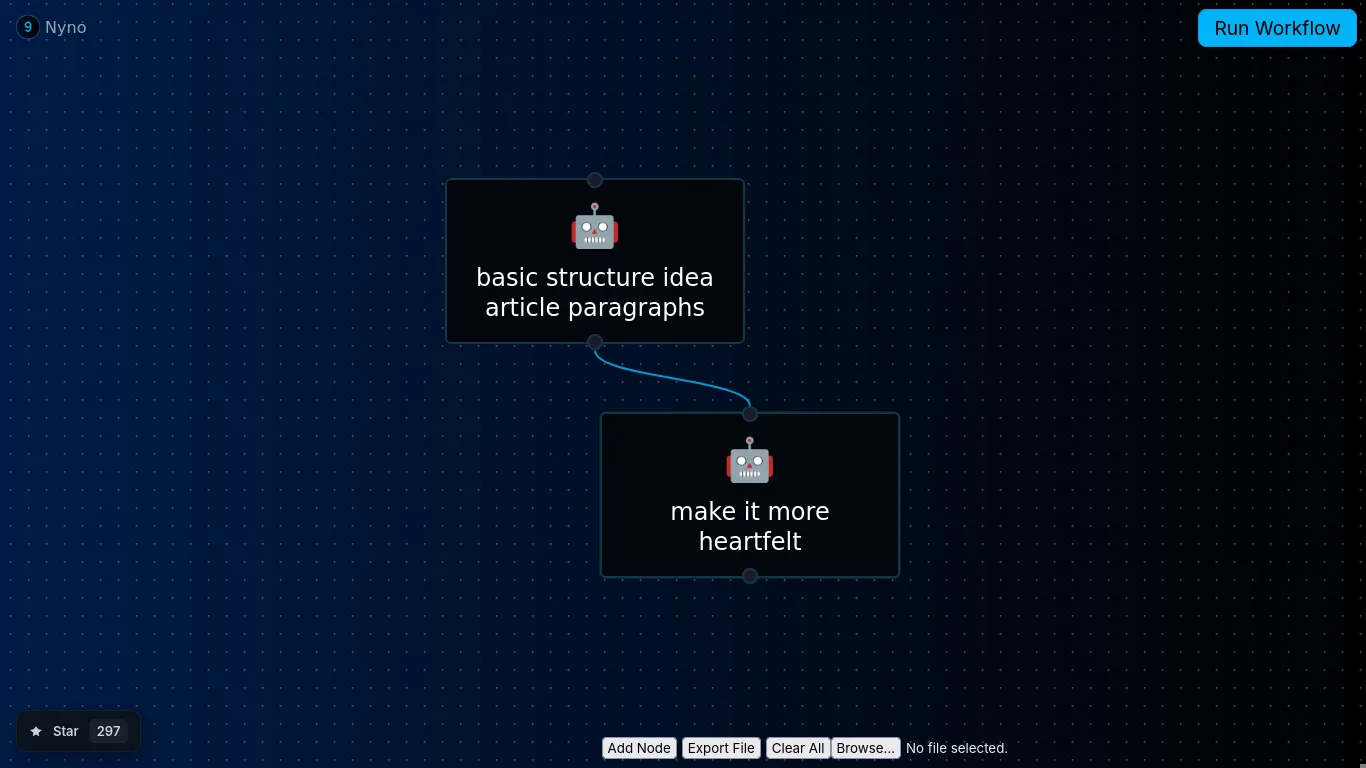
workflow:
  - step: ai-openai-text
    args: ['My idea: ${PROMPT}', minimal]
    context: {SYSTEM_PROMPT: 'You''re a blog post writer. I will give you an idea, and you basically need to expand upon it, you can also correct me, but just give me the best possible article you can write about it to share my idea. Only output the new article, dont affirm.'}
  - step: ai-openai-text
    args: ['my article: ${prev}', minimal]
    context: {SYSTEM_PROMPT: 'Make my article more heartfelt. Only output the new article, dont affirm.'}
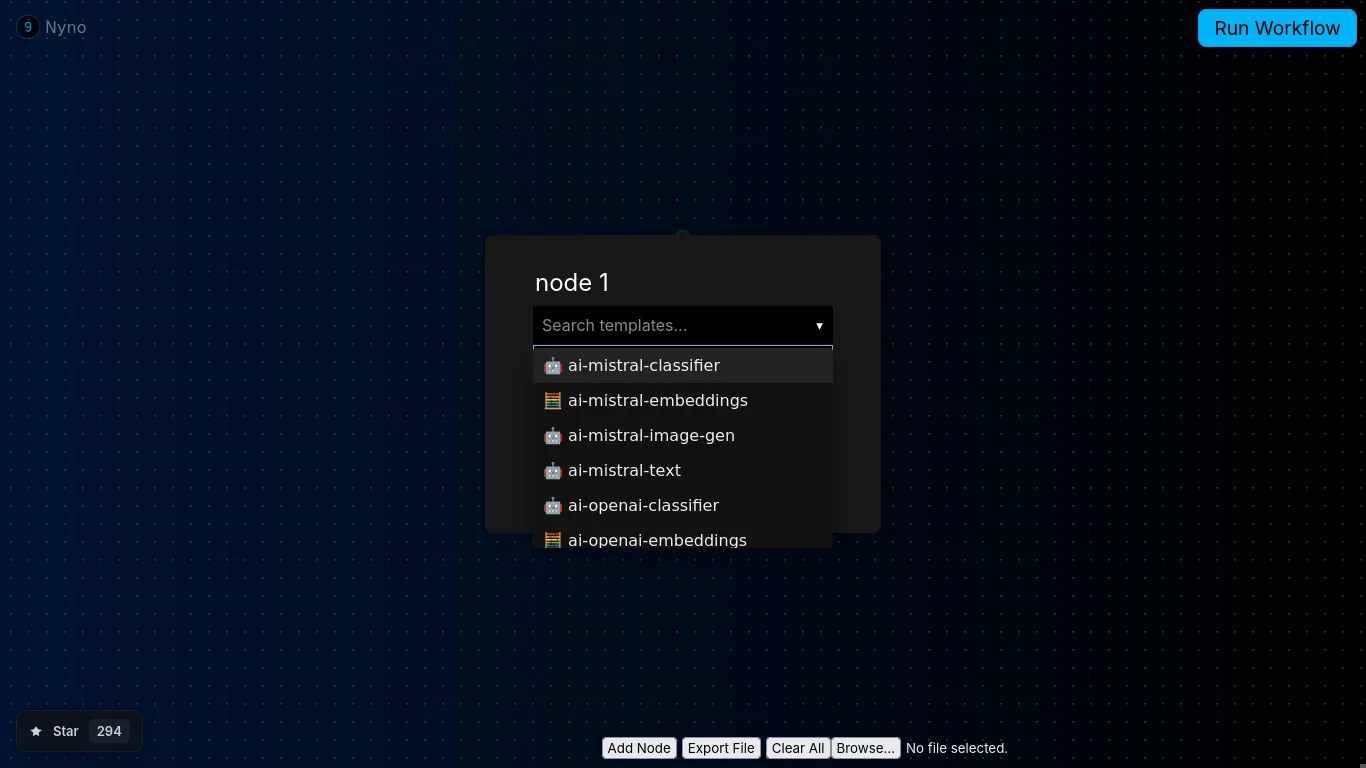
Introducing "The Engine" that powers Nyno
To achieve most requests/per second we're using multi-process worker engines where feasible. Nyno will spawns 2 light-weight workers for each language in dev mode or 3 workers for every language and CPU core in prod mode. This means that if you have 4 CPU cores, it will spawn 12 ready-to-run workers to run workflow steps.
| Python3 (multi-process workers engine) | PHP8 + Swoole (multi-process workers engine) | JavaScript + NodeJS (multi-process workers engine) | Ruby (multi-process workers engine) |
|---|---|---|---|
 |
 |
 |
 |
Create New Steps or Use Extensions: Turn Scripts into High-Performing Text Commands
In Nyno, every Python, JavaScript, PHP and Ruby script becomes a reusable command that runs in its own high-performing worker engine. Just export a function (with args and context) and call it in any workflow using plain YAML text.
Example (JavaScript)
// extensions/hello/command.js
export function hello(args, context) {
  const name = args[0] || "World";
context['hello'] = `Hello, ${name}!`;
return 0;
}
Example in Workflow (YAML):
- step: hello
  args:
  - "${name}"

Install Nyno using Docker/Podman
1. Clone the Repo
git clone https://github.com/empowerd-cms/nyno
cd nyno
2. Build the Container
./build-container.sh "podman" # or use docker3. Run the Container
Make sure you to build the container first.
./run-container-prod.sh "podman" # or use docker, GUI at http://localhost:9057
Install Nyno on Linux Host
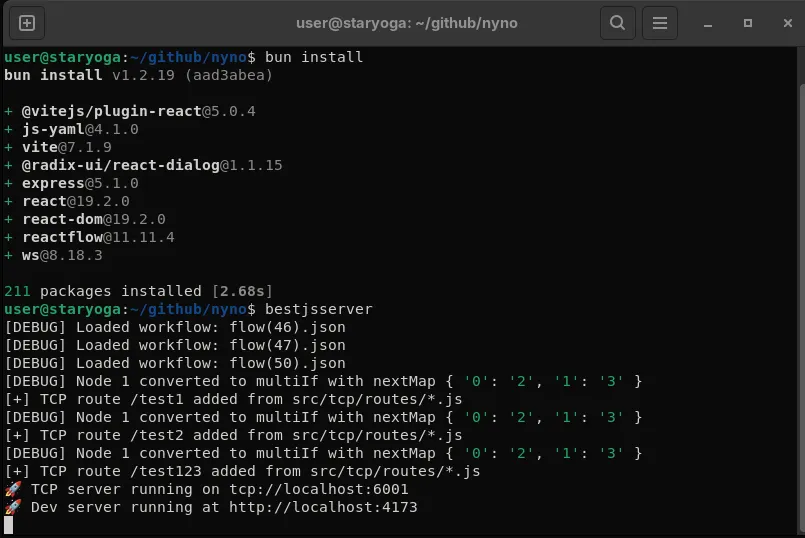
Note: Nyno is dependent on Best.js which needs to be installed to run Nyno. You will need to install quite a lot of dependencies. Docker/Podman install is recommended. However, for the experts, a bash scripts/check_host.sh script is included to check dependencies quickly.
# install Best.js
git clone https://github.com/empowerd-cms/best.js
cd best.js
npm install # or # bun install
npm link # for "bestjsserver" command
cd ../

# install Nyno
git clone https://github.com/empowerd-cms/nyno
cd nyno
npm install # or # bun install

# Optionally check system status/dependencies (Python, PHP Swoole, Ruby, Node,Postgres)
bash scripts/check_host.sh

# Execute Nyno
bash run-dev.sh # runs Nyno in dev mode
More Examples and Documentation
Example Python extension:
# extensions/hello-py/command.py
def hello_py(args, context):
    name = args[0] if args else "World"
    context["hello-py"] = f"Hello, {name} from Python!"
    return 0
Example PHP extension:
<?php
// extensions/hello-php/command.php
function hello_php($args, &$context) { // & required to modify context
    $name = $args[0] ?? "World";
    $context["hello-php"] = "Hello, $name from PHP!";
    return 0;
}
Example using context to Pass Data Between Steps
export function some_extension(args, context) {
  const result = args[0] || "default value";

  // Save output in context for the next step
  context['MY_RESULT'] = result;

  return 0; // default path
}
Example Workflow output:
{
  "status": "ok",
  "execution": [
    {
      "node": 2,
      "input": {
        "args": [
          0
        ],
        "context": {}
      },
      "output": {
        "r": 0,
        "c": {
          "LAST_STEP": "nyno-echo",
          "prev": [
            0
          ]
        }
      }
    }
  ],
  "execution_time_seconds": 0.001
}
Frequently Asked Questions
Benefits of Nyno over n8n:
- is n8n not already open source?
-
- n8n is not open-source. See also Why Nyno might save you $25.000 for both you and your clients
- n8n can be a pain to debug. How is Nyno easier?
-
- Nyno provides full input/output logs of each step. including previous + new context variables.
- How about scaling?
-
- The goal of Nyno is to be 10x better than n8n. For scaling, see Custom Python Code/Node benchmarks
Common Nyno Questions:
- I couldn't figure out how to get the data from one node to be the argument to the next
-
- Use ${prev} as value in most cases. See also: https://nyno.dev/workflow-context-variable-passing
The Nyno GUI is Proudly build with Best.JS - a faster Next.JS alternative.