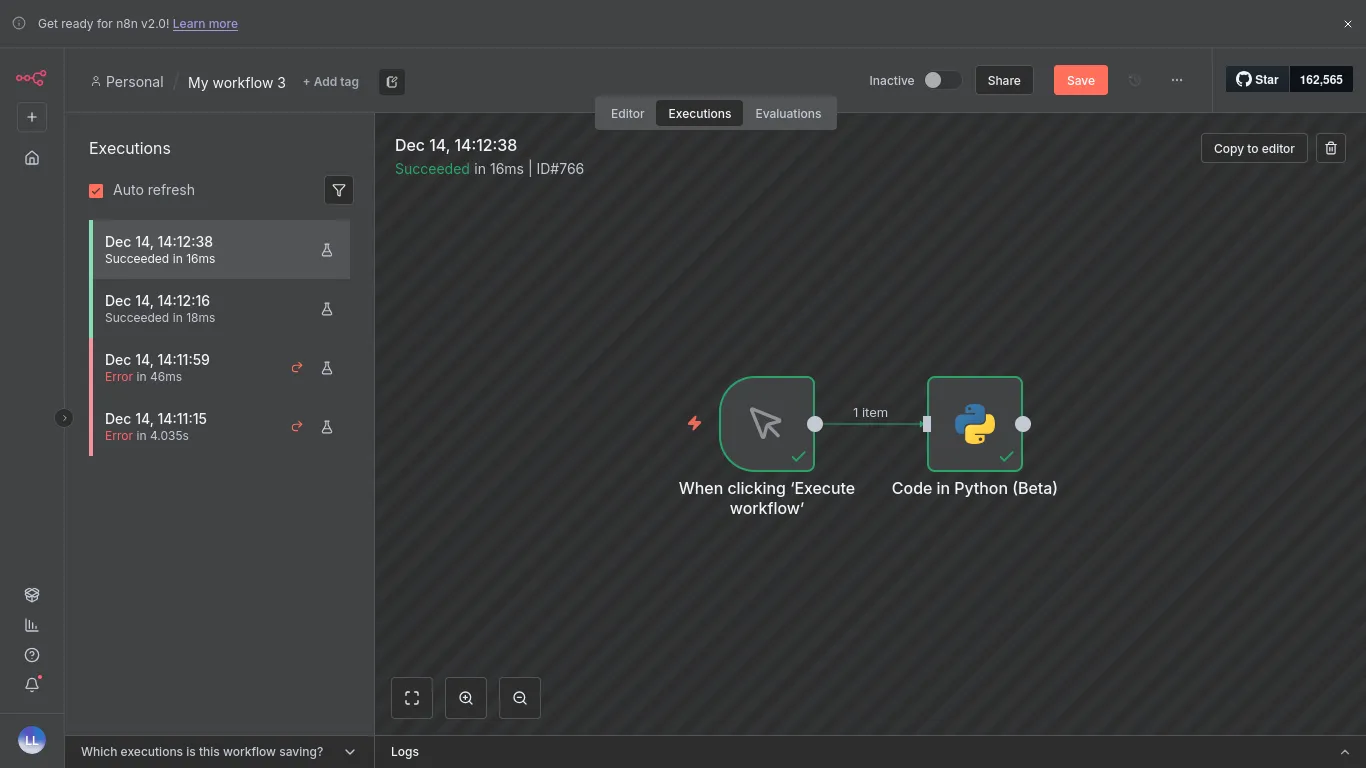
Let's start with n8n. For this experiment I've used their container:
podman volume create n8n_data
podman run -it --rm --name n8n -p 5678:5678 -v n8n_data:/home/node/.n8n docker.n8n.io/n8nio/n8n
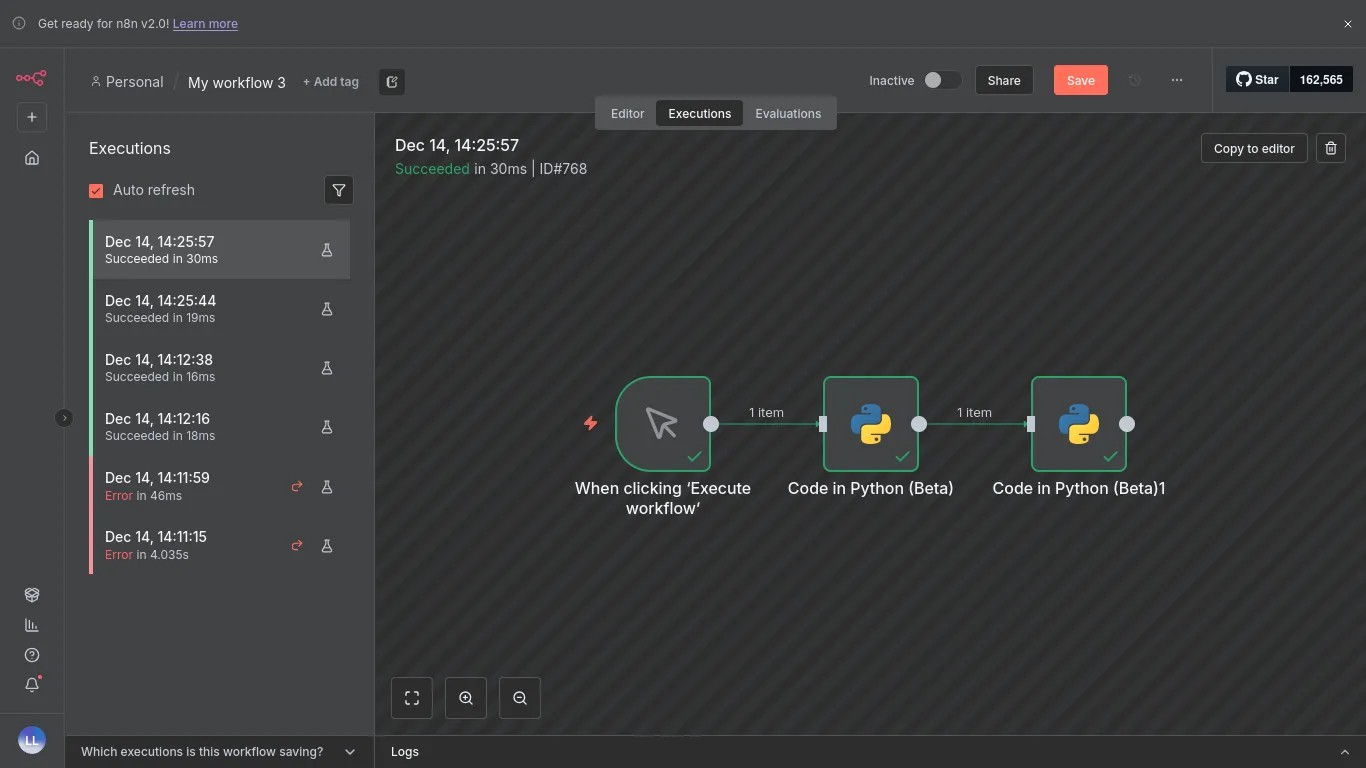
To be fair, n8n does nicely support adding Python code directly from within the GUI. Using 2 nodes, and this source code we can achieve 16-18ms using manual trigger:
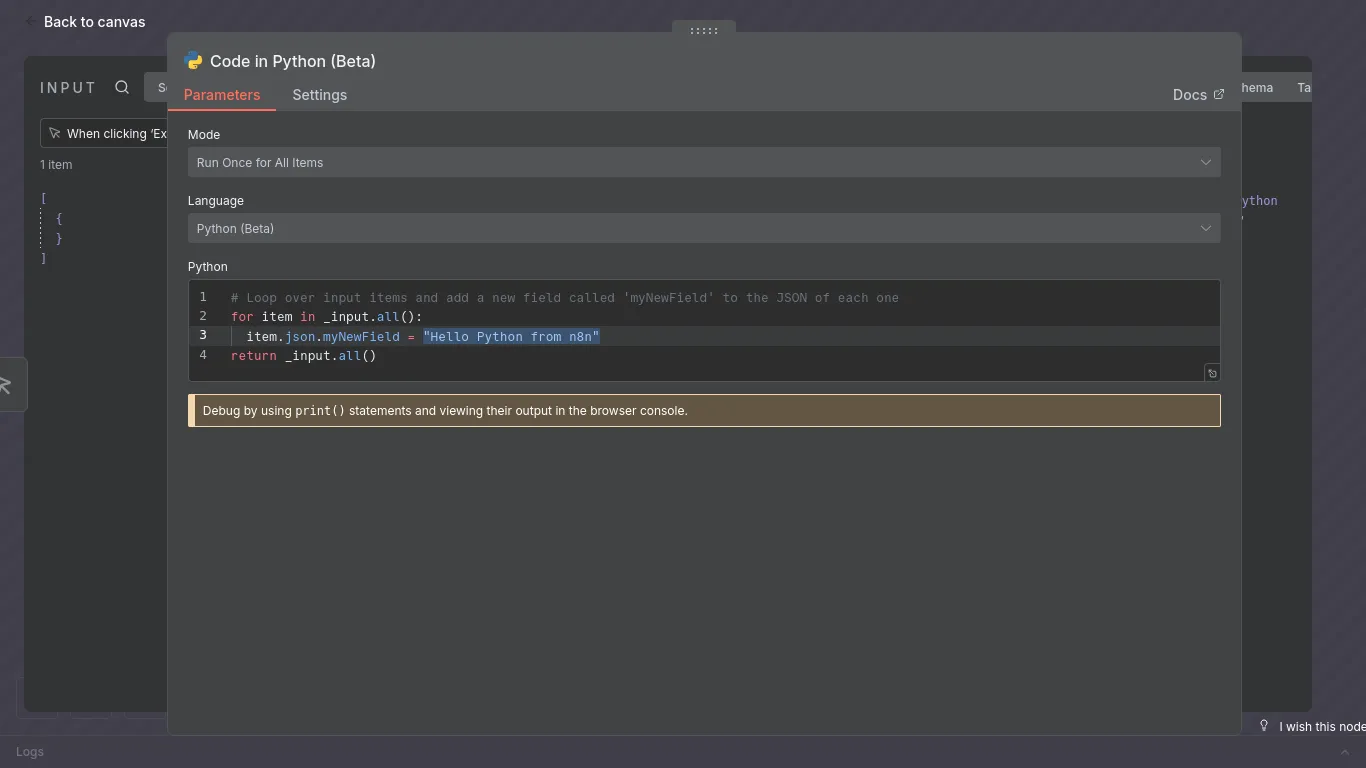
Now lets now try a hello world from Nyno:
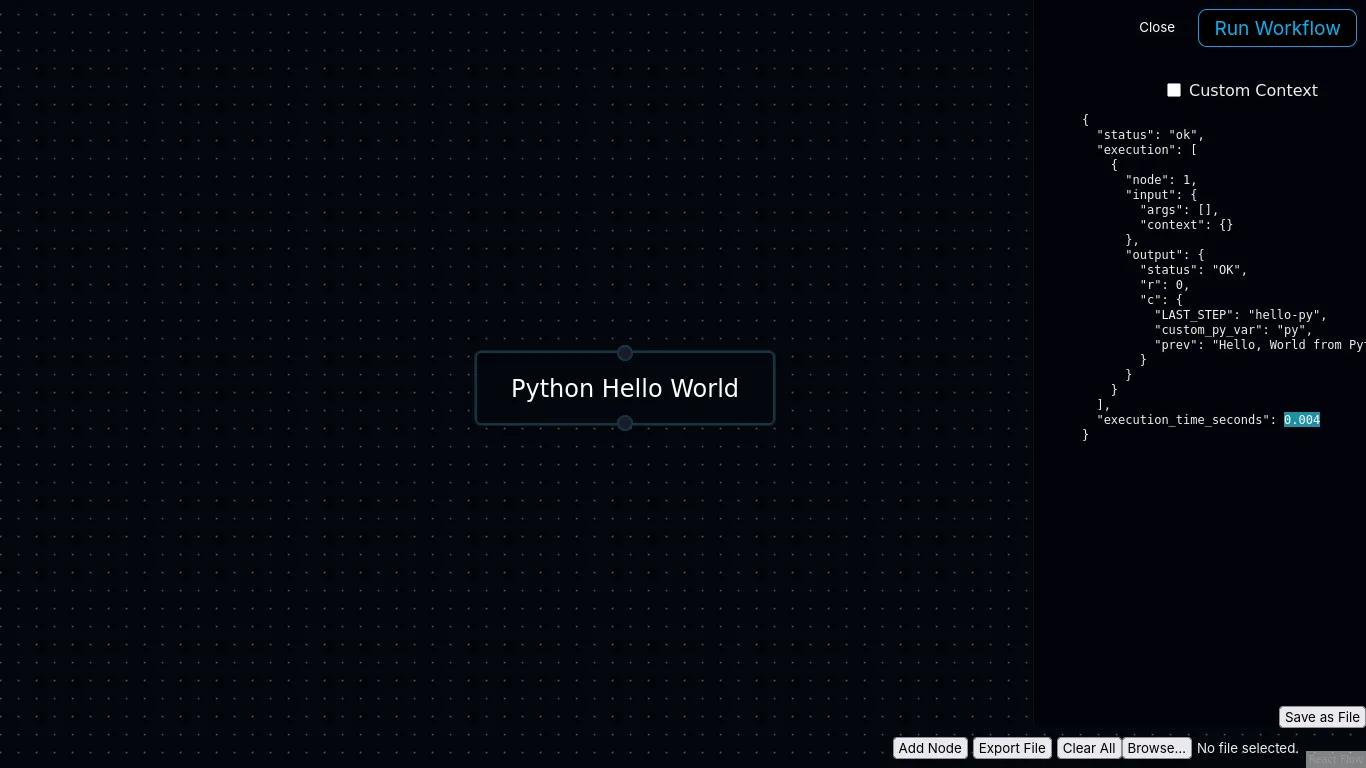
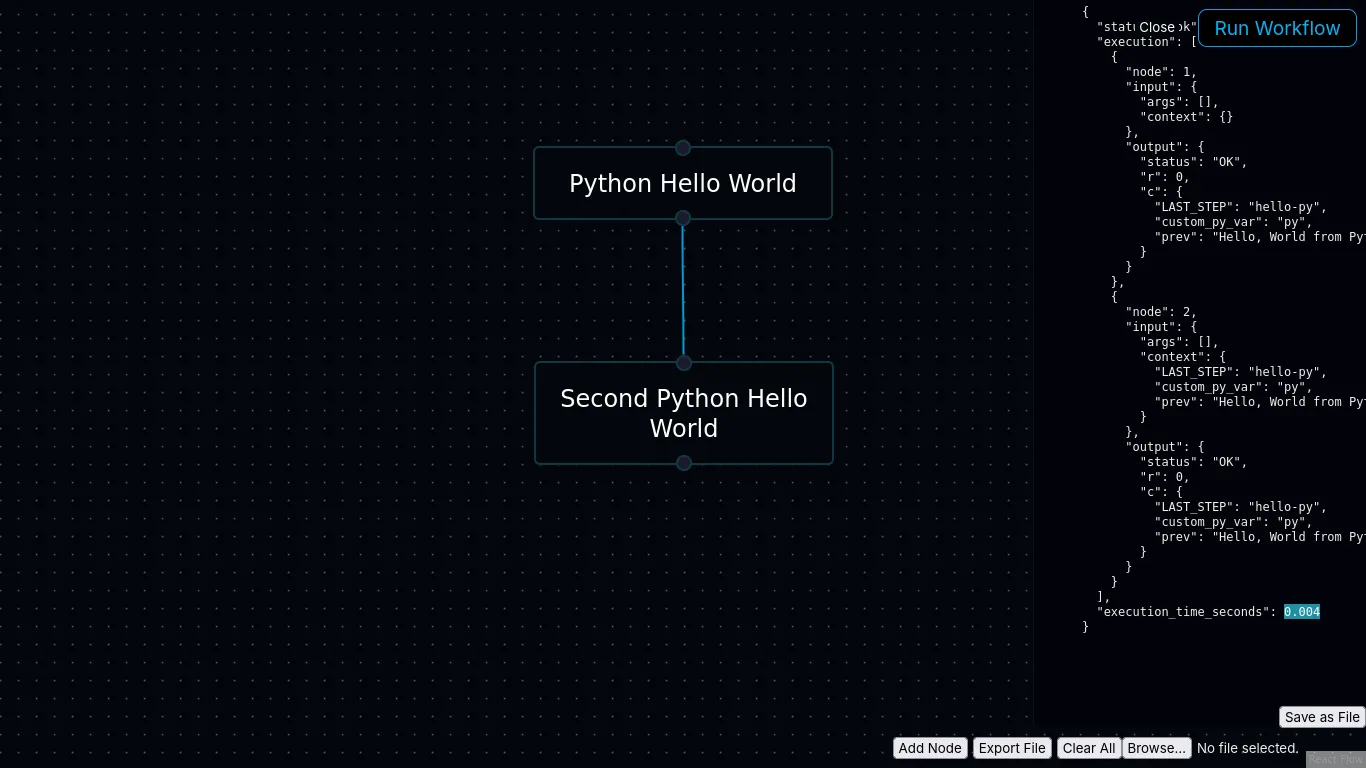
With this Nyno source code, using 1 node, we are able to achieve 0.004s hello world!
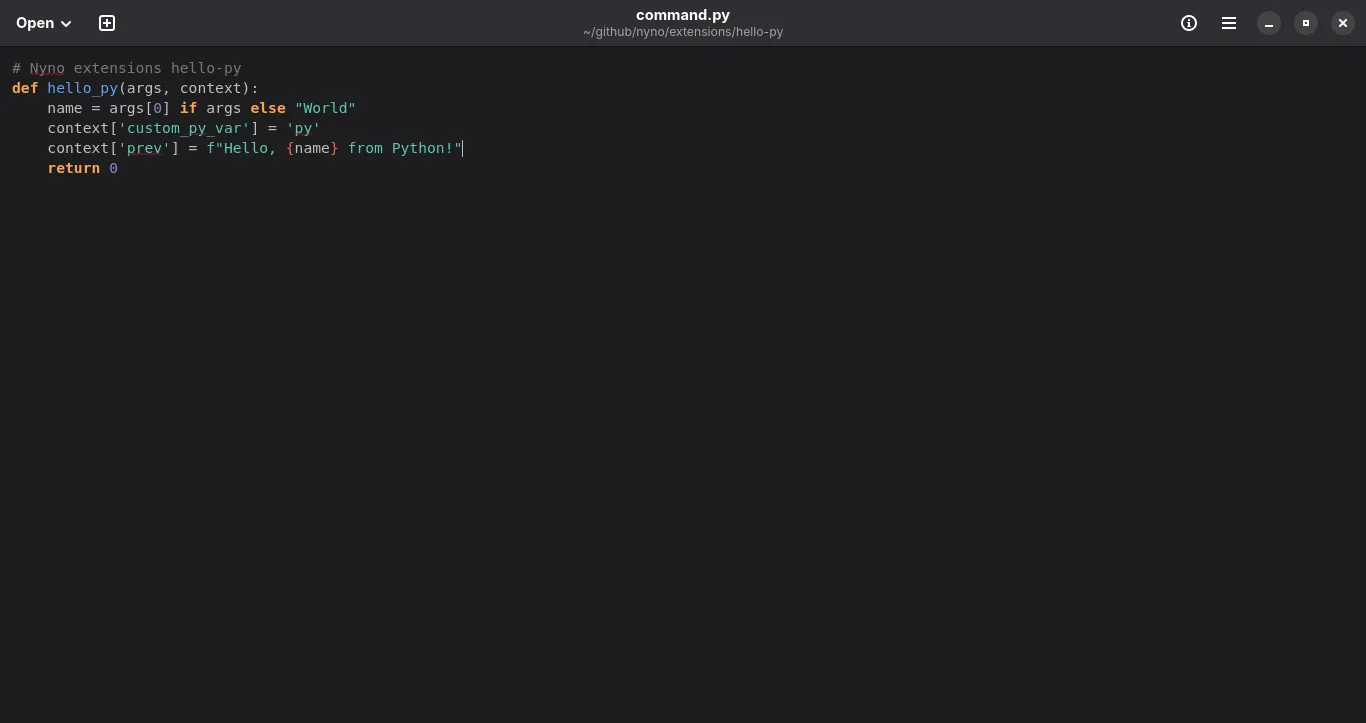
Using 2 Python Nodes with n8n we are getting 30ms.
With Nyno we are again getting 0.004s, which is an accurate reflection that it's even faster than n*0.004. So sometimes it's even faster/slower to use 2 nodes. It's just that fast:
I cannot speak for n8n, because I've not took a deep dive into n8n's codebase, but for Nyno I could say with confidence that it's about the way we load Python code.
Unlike opening a new process everytime, like you'd do with a bash script, Nyno loads all Python code extensions on multi-process worker engines while it's booting up. In practice this means that we don't use something like python3 custom_script.py and instead execute python scripts more like call "hello-py" with args: [..] on port 9007.
Process to process communication is done on TCP level with Nyno, like a database. We don't use HTTP for this part, which is also why we might be so much faster.
The most amazing thing is that with Nyno, you're able to achieve similar or even faster execution speed as if you'd make a dedicated Python project.
| Tool | Python Nodes | Execution Time | Notes |
|---|---|---|---|
| n8n | 1 | 16–18ms | Manual trigger, Python node |
| Nyno | 1 | 0.004s | Multi-process preloaded, TCP IPC |
| n8n | 2 | 30ms | Python nodes scaling |
| Nyno | 2 | 0.004s | Maintains speed, scalable |
Get Nyno for Free, it's Open-Source (We are Apache 2, unlike n8n which is only free for internal tools): https://github.com/empowerd-cms/nyno or join us on Reddit at /r/Nyno
 Nyno
Nyno