 Nyno
Nyno
How to run Nyno on Windows using Docker Desktop
Nyno now also runs on Windows using Docker Desktop!
1. Install Docker Desktop
You can download Docker desktop via the official website here: https://www.docker.com/products/docker-desktop/
- Important: during the installation choose WSL2 (not virtualization/hyper-v)
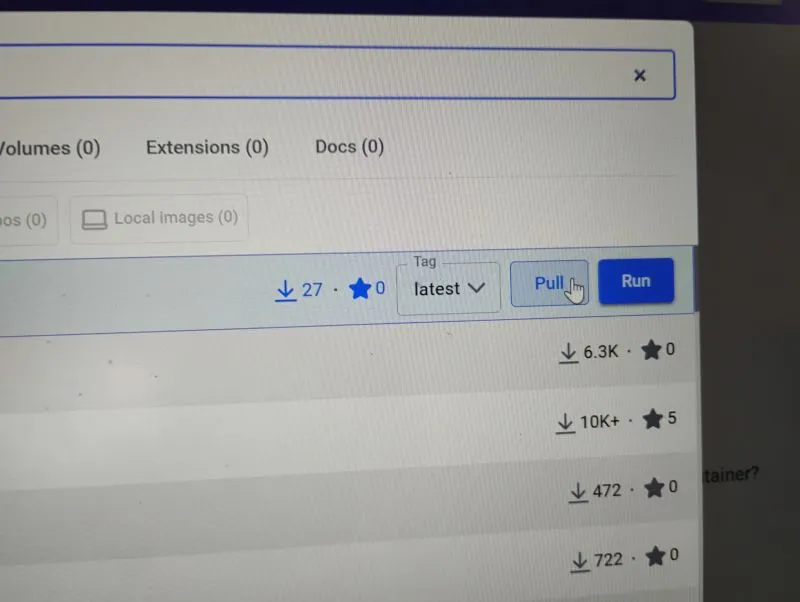
2. Search for flowagi/nyno and press pull
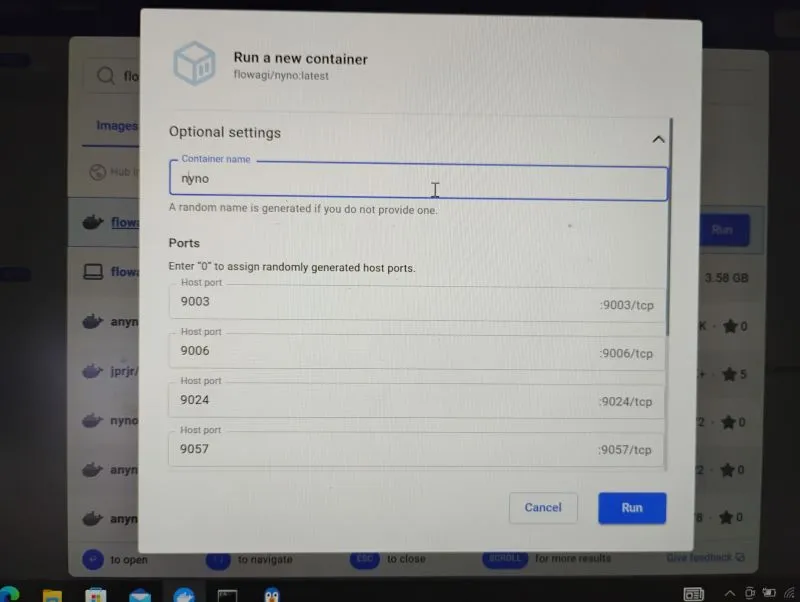
3. Run flowagi/nyno and choose the following settings
4. Browse to localhost:9057
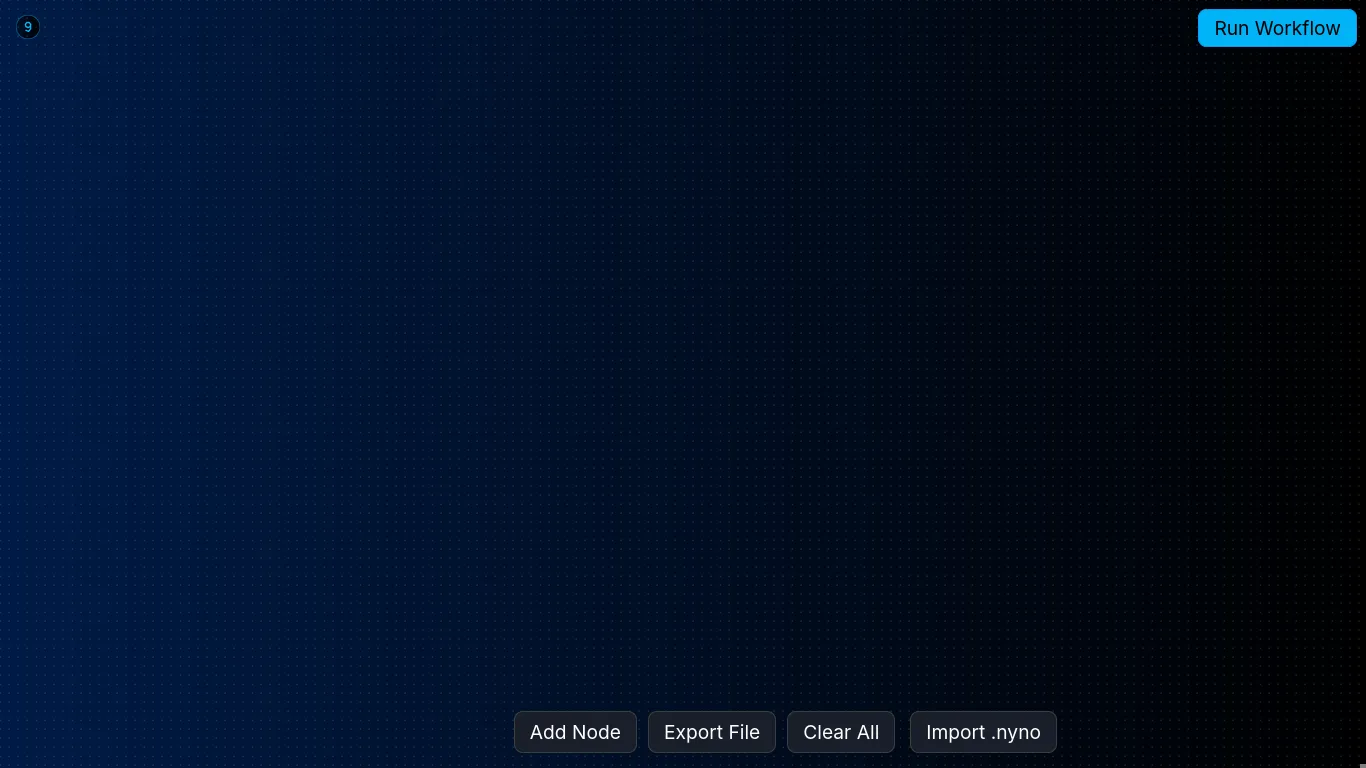
You should now be able to see the application, add nodes and run workflows.